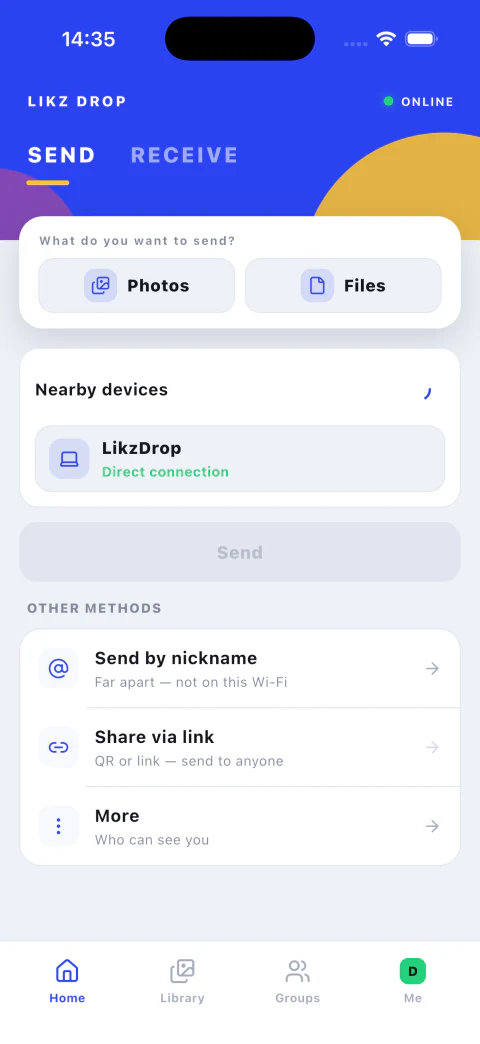
When both devices share a local network, Likz Drop discovers the receiver and moves the original files directly. Your connection does the work; the files do not take an unnecessary trip through cloud storage.
1. Open both devicesKeep them on the same trusted Wi-Fi.
2. Choose filesPick photos, videos, documents, or folders.
3. Accept nearbyThe receiver approves and the LAN carries the transfer.
Why use the nearby path?
- Better use of fast local Wi-Fi for large files
- No account required in Guest mode
- Original files arrive without recompression
- End-to-end encryption protects every live transfer
When devices are not nearby
Send by nickname across different networks, or create a browser link for someone who does not have the app. Likz Drop keeps the workflow familiar while changing the route.