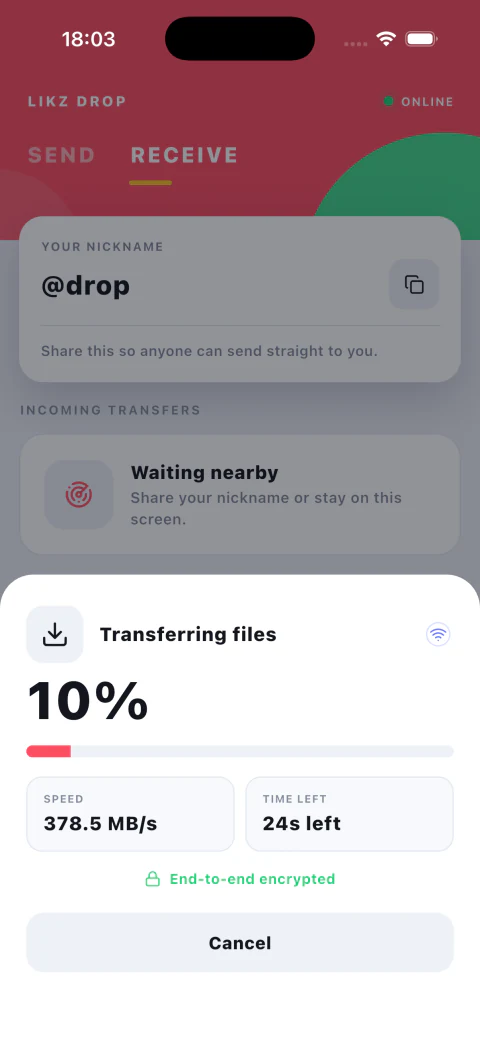
Wi-Fi changes, a laptop sleeps, or a phone moves out of range. Likz Drop pauses an interrupted transfer and lets you continue after the connection is available again.
What resume keeps
- Completed file progress remains complete
- The sender and receiver keep the same transfer context
- A real cancellation is reported as cancelled, not left waiting forever
Recover in three steps
- Reconnect both devices to a usable network.
- Open Likz Drop and return to the interrupted transfer.
- Tap Resume and keep both devices awake until it finishes.
Designed for large sends
Resume matters most for long videos, folders, and multi-file batches. It avoids repeating work while preserving the same encrypted transfer flow.