Featured · Guides
iPhone to PC Bluetooth File Transfer: Does It Work?
Bluetooth pairing and file sharing are different jobs. Learn which iPhone-to-PC workflows support an actual transfer and how to choose one for your setup.
Transfer guides for every connection, comparisons, and product updates — start with a job, not a protocol.
Bluetooth pairing and file sharing are different jobs. Learn which iPhone-to-PC workflows support an actual transfer and how to choose one for your setup.

Learn how to transfer files between Android phones with Quick Share, Likz Drop, or a migration tool. Pick the right wireless method for each job.
Move a large video from Android or iPhone to a Windows PC or Mac without compression, cloud delays, or the wrong cable.
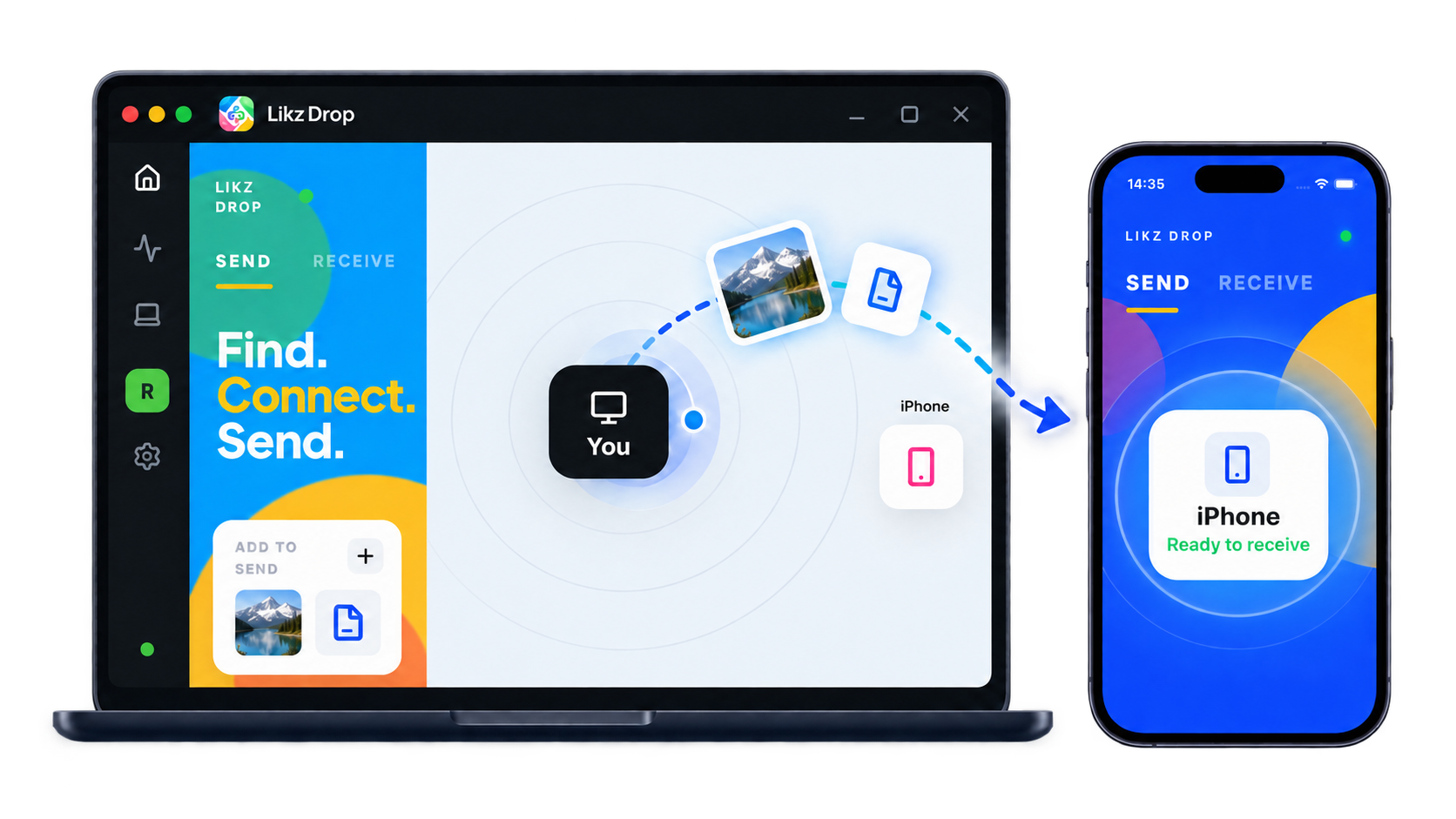
Move documents, photos, videos, and folders from a Windows PC to an iPhone over Wi-Fi. Compare direct transfer, Apple Devices, iCloud Drive, and SMB.
Looking for a Send Anywhere alternative? Compare live P2P transfers, stored links, offline sharing, and cross-platform routes without the marketing fog.

Create a separate copy of your iPhone or Android photos on Windows or macOS—wirelessly, without routing the backup through someone else’s cloud.
Move ProRAW, DNG, and other RAW photo files from an iPhone or Android phone to a PC or Mac without accidentally sending a JPEG copy.
Public Wi-Fi is convenient and easy to watch. Here's what a cafe network can actually see, and how to send a file without leaving a copy on someone else's server.
Snapdrop is great when both devices share a Wi-Fi. When they don't, you need a Snapdrop alternative that still sends the file — nearby, by nickname, or through a live browser link.
Need to send files to someone who does not want another app? Learn how a private, session-based browser link lets recipients download without installing Likz Drop.
Android File Transfer failing on your Mac again? Here is why macOS cannot see your Android phone, and how to move files both ways over Wi-Fi with no cable and no cloud.
Hosted transfer services cap free tiers because storing and serving your files costs money. Here is what changes when the file never gets uploaded at all: no size cap, local-network speed, and nothing left on someone else's disk.
Gmail caps attachments at 25 MB, Outlook lower, and base64 encoding eats a third of that. Here is why email bounces big files and how to send them directly instead.

Send the original file instead of a compressed preview. Compare direct transfer, live browser links, cloud-drive downloads, and cable copying.
Windows has no AirDrop, so here's how to send photos and files from iPhone (or Android) to a PC directly, without iCloud, cables, or a size limit.
Separate SHAREit's historical security findings from the version on your phone. Review permissions, ads, and five alternatives for different file-sharing jobs.
LocalSend is a strong local-network tool. Compare alternatives for different networks, guest-network isolation, and recipients who prefer a browser.
Skip the zipping and re-uploading — send an entire folder, structure intact, straight to another device.
Skip the upload wait and size caps — send large files without the cloud using a direct or encrypted peer-to-peer transfer instead.
A practical guide to moving files with zero internet connection — what actually works, what doesn't, and how to do it cross-platform in minutes.
How to transfer files between computers over Wi-Fi across Windows and macOS without SMB setup, cloud uploads, or USB drives.
A practical guide to moving photos, videos, and folders between your phone and computer without a USB cable, cloud upload, or size limits.
Move full-resolution photos and whole albums from iPhone to PC over Wi-Fi, no iTunes, no iCloud, no cable required.
Quick Share is Android's built-in AirDrop equivalent. Compare current iPhone support with Likz Drop's local, offline phone-to-phone, and cross-network options.
How to send files between iPhone and Android on different Wi-Fi networks — or with no internet at all — without the cloud or a cable.